

Demystifying PKCE: A Practical Guide Using curl and OAuth 2.0
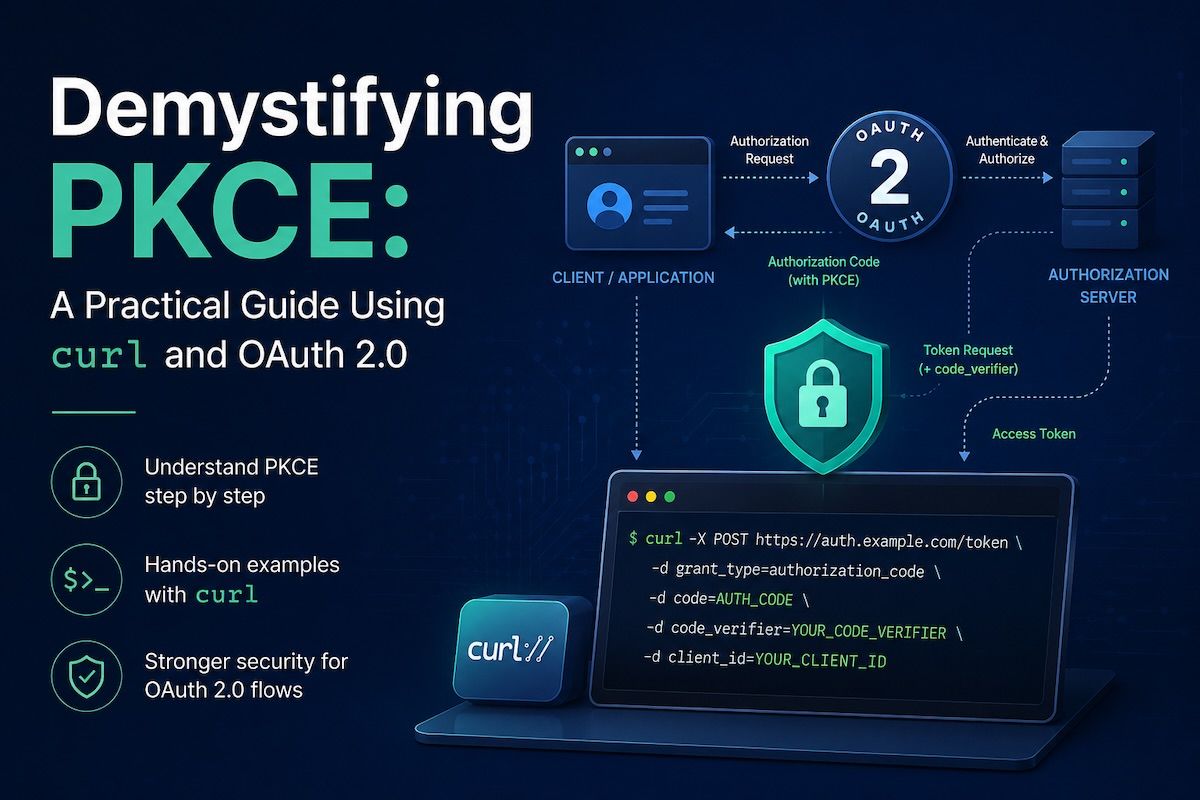
Demystifying PKCE: A Practical Guide Using curl and OAuth 2.0
If you've been working with OAuth 2.0 and public clients (like mobile apps, desktop apps, or single-page applications), you've likely encountered PKCE — Proof Key for Code Exchange. It's a security extension that makes OAuth safer for apps that can't securely store secrets.
But reading about PKCE and actually using it are two different things. In this guide, we'll go beyond the theory and use real curl commands to walk through the entire PKCE flow with Azure AD (Microsoft Entra ID) as our authorization server. You'll see exactly what data flows where, and why PKCE matters.
What Is PKCE, and Why Do We Need It?
Before we write any curl commands, let's understand the problem.
Traditional OAuth 2.0 relies on a client secret — a secure string that only your app and the authorization server know. When you exchange an authorization code for a token, you prove you're the legitimate app by presenting this secret.
But here's the catch: public clients can't securely store secrets. If you build a mobile app, desktop app, or browser-based SPA, you can't embed a secret in code — someone can extract it. An attacker who intercepts your authorization code could exchange it for an access token without needing your secret.
PKCE solves this by creating a cryptographic proof instead:
-
Your app generates a random string called
code_verifier -
Your app hashes it to create
code_challenge -
During authorization, you send the
code_challengeto the server -
During token exchange, you send the original
code_verifier -
The server verifies that
SHA256(code_verifier) == code_challenge
Even if an attacker steals your authorization code, they can't use it without the original verifier — which only your app has.
The PKCE Parameters: Generating Them with curl
Let's start by generating the PKCE parameters. You'll need a bash script (or you can do this manually) to create the code_verifier and code_challenge .
Step 1: Generate code_verifier and code_challenge
Here's the command to generate both values:
#!/bin/bash

# Generate random code_verifier (43 chars minimum for PKCE)
CODE_VERIFIER=$(openssl rand -base64 32 | tr -d "=+/" | cut -c1-43)

# Generate code_challenge (SHA256 hash of verifier, base64url encoded)
CODE_CHALLENGE=$(echo -n "$CODE_VERIFIER" | sha256sum | xxd -r -p | base64 -w0 | tr "+/" "-_" | tr -d "=")

# Generate a random state parameter (prevents CSRF attacks)
STATE=$(openssl rand -hex 16)

echo "Code Verifier:  $CODE_VERIFIER"
echo "Code Challenge: $CODE_CHALLENGE"
echo "State:          $STATE"
What's happening here?
-
openssl rand -base64 32— Generates 32 random bytes and encodes them as base64 -
tr -d "=+/"— Removes base64 padding and special characters (PKCE only allows unreserved characters: A-Z, a-z, 0-9,-,.,_,~) -
cut -c1-43— Takes the first 43 characters (minimum allowed by PKCE spec) -
sha256sum— Creates a SHA256 hash of the verifier -
xxd -r -p— Converts hex to raw bytes -
base64 -w0— Encodes as base64 without line wrapping -
tr "+/" "-_"— Converts to base64url format (replaces+with-and/with_) -
tr -d "="— Removes padding
Save these values in environment variables:
export CODE_VERIFIER="E9Mrozoa2owUedPIulLx-XniVYng3eWAIvex8_cFqIo"
export CODE_CHALLENGE="dBjftJeZ4CVP-mB92K27uhbUJU1p1r_wW1gFWFOEjXo"
export STATE="a1b2c3d4e5f6g7h8"
export CLIENT_ID="your-client-id-here"
export REDIRECT_URI="http://localhost:8080/callback"
Why these values matter:
-
The
CODE_VERIFIERstays secret inside your app and is never sent to the browser -
The
CODE_CHALLENGEis sent to the authorization server during the login request -
The
STATEprevents CSRF attacks by ensuring the callback response is from the same flow you initiated -
The
CLIENT_IDidentifies your app to the authorization server
The Complete PKCE Flow with curl
Now let's walk through the entire OAuth 2.0 flow with actual curl commands. We'll use Azure AD as our example authorization server.
Step 1: Send User to Login (Generate Authorization URL)
First, you construct the authorization URL. This is typically opened in a browser, but let's show what it looks like:
# Construct the authorization URL
AUTH_URL="https://login.microsoftonline.com/common/oauth2/v2.0/authorize?client_id=${CLIENT_ID}&redirect_uri=http%3A%2F%2Flocalhost%3A8080%2Fcallback&response_type=code&scope=user.read%20groupmember.read.all&code_challenge=${CODE_CHALLENGE}&code_challenge_method=S256&state=${STATE}&prompt=select_account"

echo "Visit this URL in your browser:"
echo "$AUTH_URL"
What's in this URL?
-
client_id— Your app's identifier at Azure AD -
redirect_uri— Where Azure AD sends the user back after login (must match what you registered) -
response_type=code— We want an authorization code, not a token -
scope— Permissions your app is requesting (user.read, groupmember.read.all) -
code_challenge— The hash of your verifier (sent to auth server for storage) -
code_challenge_method=S256— Tells the server we used SHA256 to hash the verifier -
state— A random value to prevent CSRF attacks -
prompt=select_account— Force account selection (even if user is already logged in)
You open this URL in a browser. The user logs in with their Microsoft account, and Azure AD redirects back to your redirect_uri with an authorization code:
http://localhost:8080/callback?code=M.R3_BAYABAABAADw...&state=a1b2c3d4e5f6g7h8&session_state=xyz...
Extract the authorization code:
# After login, you'll see the redirect URL in your browser's address bar
# Copy the code value:
export AUTH_CODE="M.R3_BAYABAABAADw..."
Step 2: Exchange Auth Code for Access Token Using curl
Now comes the crucial part where PKCE proves its value. You'll exchange the authorization code for an access token, and this time you include the original code_verifier:
curl -X POST https://login.microsoftonline.com/common/oauth2/v2.0/token \
  -H "Content-Type: application/x-www-form-urlencoded" \
  -d "grant_type=authorization_code" \
  -d "client_id=${CLIENT_ID}" \
  -d "code=${AUTH_CODE}" \
  -d "redirect_uri=${REDIRECT_URI}" \
  -d "code_verifier=${CODE_VERIFIER}" \
  -d "scope=user.read groupmember.read.all"
What's happening in this curl request?
-
grant_type=authorization_code— Tell the server we're exchanging an authorization code for a token -
client_id— Identify which app is making this request -
code— The authorization code from the previous step -
redirect_uri— Must match exactly what you sent in Step 1 -
code_verifier— The original, secret verifier value (THIS is the PKCE magic) -
scope— Request the same permissions as before
The response:
{
  "access_token": "eyJ0eXAiOiJKV1QiLCJhbGciOiJSUzI1NiIsIng1dCI6Ik...",
  "expires_in": 3599,
  "ext_expires_in": 3599,
  "scope": "user.read groupmember.read.all",
  "token_type": "Bearer",
  "id_token": "eyJ0eXAiOiJKV1QiLCJhbGciOiJSUzI1NiIsIng1dCI6Ik..."
}
What's Azure AD doing on the server side?
-
It receives your
code_verifier -
It computes
SHA256(code_verifier) -
It looks up the stored
code_challengefrom Step 1 -
It verifies:
SHA256(code_verifier) == stored_code_challenge -
If they match, it issues an access token
Save the access token:
export ACCESS_TOKEN="eyJ0eXAiOiJKV1QiLCJhbGciOiJSUzI1NiI..."
Step 3: Use the Access Token to Call Microsoft Graph
Now you have a valid access token. Use it to call Microsoft Graph APIs to get user information and check group membership:
# Get user profile
curl -X GET https://graph.microsoft.com/v1.0/me \
  -H "Authorization: Bearer ${ACCESS_TOKEN}"
Response:
{
  "id": "user-object-id",
  "userPrincipalName": "user@tenant.onmicrosoft.com",
  "mail": "user@example.com",
  "displayName": "User Name"
}
Why PKCE is Secure
Let's break down why this flow protects your app:
Without PKCE (insecure for public clients):
-
App sends
client_idandredirect_urito auth server -
User logs in, gets authorization code
-
Attacker intercepts the code
-
Attacker uses the code to exchange for a token (works, because there's no secret to verify the attacker is the real app)
With PKCE (secure for public clients):
-
App generates a random
code_verifierand keeps it secret -
App sends
code_challenge(hash of verifier) to auth server -
User logs in, gets authorization code
-
Attacker intercepts the code
-
Attacker tries to exchange it for a token, but doesn't have the original
code_verifier -
Auth server verifies
SHA256(verifier) == stored_challenge— mismatch! Token not issued. -
Attack fails because the attacker can't prove they're the real app
The authorization code alone is worthless without the original verifier.
Testing with Different Scenarios
Scenario 1: Wrong code_verifier (Attack Simulation)
If an attacker tries to use a different code_verifier , the token exchange fails:
WRONG_VERIFIER="wrong_value_that_doesnt_match"

curl -X POST https://login.microsoftonline.com/common/oauth2/v2.0/token \
  -H "Content-Type: application/x-www-form-urlencoded" \
  -d "grant_type=authorization_code" \
  -d "client_id=${CLIENT_ID}" \
  -d "code=${AUTH_CODE}" \
  -d "redirect_uri=${REDIRECT_URI}" \
  -d "code_verifier=${WRONG_VERIFIER}"
Response:
{
  "error": "invalid_grant",
  "error_description": "AADSTS9068: The code_verifier does not match the code_challenge."
}
The attack is blocked.
Scenario 2: Missing code_verifier
If you forget to send the code_verifier entirely:
curl -X POST https://login.microsoftonline.com/common/oauth2/v2.0/token \
  -H "Content-Type: application/x-www-form-urlencoded" \
  -d "grant_type=authorization_code" \
  -d "client_id=${CLIENT_ID}" \
  -d "code=${AUTH_CODE}" \
  -d "redirect_uri=${REDIRECT_URI}"
  # Note: no code_verifier
Response:
{
  "error": "invalid_request",
  "error_description": "AADSTS900144: The request body must contain the following parameter: 'code_verifier'."
}
The request fails because PKCE is mandatory for public clients in Azure AD.
Key Takeaways
-
PKCE is essential for public clients — Mobile, desktop, and browser apps must use it because they can't securely store secrets.
-
The code_verifier is the secret — Keep it in memory for the duration of the login flow. Never send it to the browser or log it.
-
The code_challenge is sent first — The authorization server stores it and verifies it later.
-
The curl flow mirrors real apps — Mobile SDKs and web frameworks handle these steps for you, but understanding the curl flow reveals exactly what's happening under the hood.
-
Testing with curl builds confidence — Before integrating PKCE into your app, curl lets you verify the complete flow works with your specific authorization server (Azure AD, Google, GitHub, etc.).
Going Deeper
Now that you've seen PKCE in action with curl, you're ready to:
-
Implement PKCE in your native mobile app using MSAL for iOS, Android, or Xamarin
-
Build a web app that uses PKCE with Authorization Code Flow with PKCE
-
Test your implementation against different authorization servers
-
Debug authentication issues by comparing your app's behavior to these curl examples
The next time you see that curl command generating code_verifier and code_challenge, you'll understand not just what each pipe does — you'll understand why it matters for security.
Happy authenticating! 🔐